Why Privacy-First Developer Tools Win in 2026
3 min readZeroKit Team
Learn why browser-based developer tools reduce upload risk for JSON, JWTs, PDFs, images, regex tests, and API payloads. Includes a privacy checklist.
Every time you paste code into an online formatter, you're making a trust decision. Most developers google “json formatter,” click the first result, paste an API response, and move on. But where did that data just go?
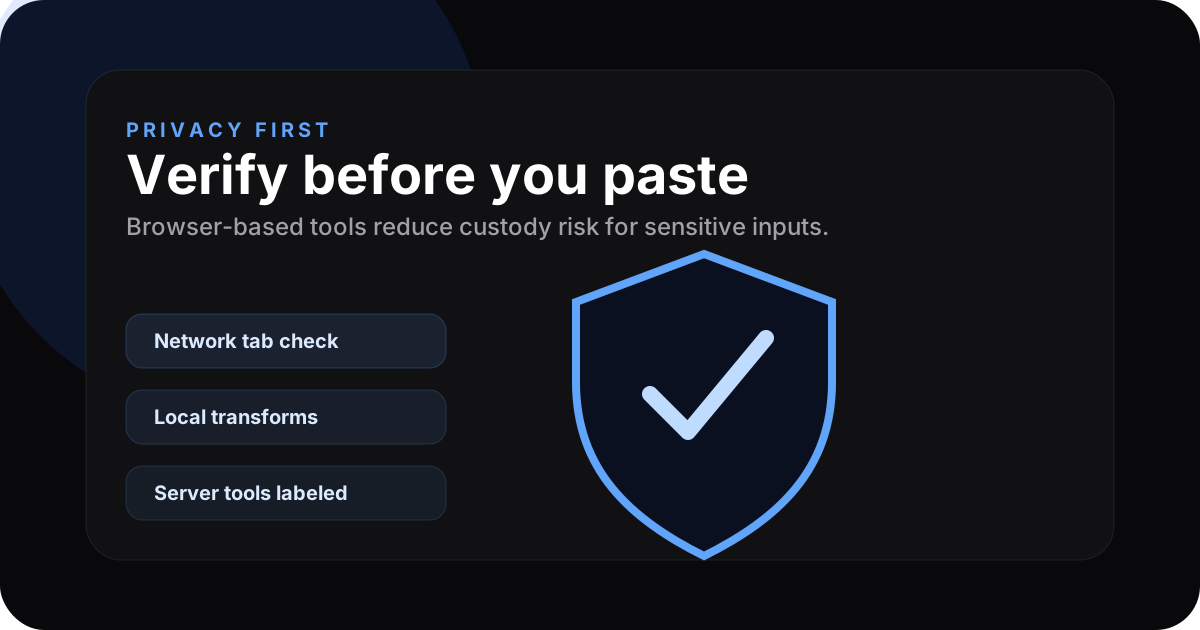
The hidden cost of “free” online tools
Many online developer tools send your input to a server for processing. That means API keys, database snippets, user records, or proprietary logic may cross the internet to infrastructure you do not control.
Even when vendors do not intend to log payloads, a centralised server is still a honeypot: breach, misconfiguration, or legal process can expose what passed through it.
What “client-side” actually means
A client-side tool runs in your browser tab. The bytes you paste stay on your device while JavaScript (and sometimes WebAssembly) does the work. No upload step means there is no server copy of your paste in the normal case.
Client-side is an architectural choice: fewer moving parts, fewer custody obligations for simple transforms.
How to verify a tool is truly client-side
- Open the tool.
- Open Developer Tools (F12 / Cmd+Opt+I).
- Go to Network.
- Clear requests.
- Paste input and run the action.
- If no new request Carries your payload off-origin, the sensitive work stayed local.
On ZeroKit, most tools are client-side. A small set needs the network by design: paste (storage), URL shortener (redirect database), and AI helpers (model API).
Which ZeroKit tools are client-side vs server-side?
| Processing | Count (approx.) | Examples |
|---|---|---|
| Client-side | 45+ | JSON, Base64, image compression, regex, colour, many PDF flows |
| Server required | A few | Paste & share, URL shortener, AI routes |
For server tools we minimise exposure where possible: optional encryption for pastes, hashed IPs for abuse protection, and no long-term storage of AI prompts as product policy.
When privacy matters most
Developers routinely paste:
- JWTs with session claims
- API responses with PII
- Config with credentials
- Logs revealing internal architecture
- SQL that exposes schema and logic
Treat every paste as if it could be sensitive until you have verified the tool's architecture.
Privacy checklist before using any online tool
| Check | Why it matters |
|---|---|
| Network tab stays quiet | Confirms the input is not uploaded for local transforms |
| Tool labels server-backed flows | Makes AI, paste storage, and short links clear |
| No signup for simple utilities | Reduces unnecessary identity collection |
| Download works locally | Avoids server-side result storage |
| Privacy policy matches behavior | Prevents surprises later |
The future is local-first
WebAssembly makes heavier work (images, PDF manipulation) practical in-tab. Expect more categories to move client-side over time.
Try privacy-first tools → Browse all tools on ZeroKit — most run entirely in your browser.
FAQ
If it's client-side, does it work offline?
After the page loads, many tools keep working if you disconnect. Full offline caching is a roadmap item.
Are client-side tools slower?
For text transforms you often save a network round-trip versus a server round-trip. For heavy WASM work, performance is usually good on modern hardware.
What about the AI tools?
They need a model API call by definition. We label them clearly as AI-powered and apply rate limits.