Merge PDFs Without Uploading Them — Here's How
2 min readZeroKit Team
Learn how to merge PDF files online without uploading them. Reorder documents, combine pages, and download one PDF in a private browser workflow.
You have three PDFs and need one file — contracts, invoices, scanned forms. Most “merge PDF” sites upload your documents, merge in the cloud, and return a download link. That custody model is unnecessary for many workflows.
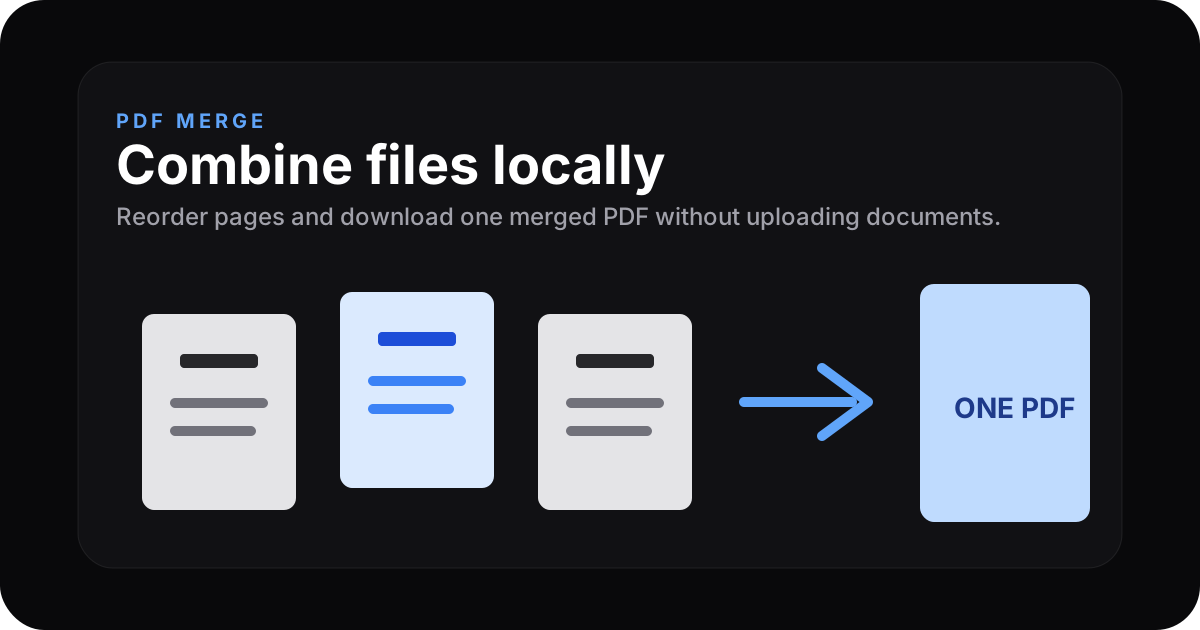
How ZeroKit merges locally
The PDF merge tool uses pdf-lib (and related browser APIs) to read PDF structure, copy pages in order, and emit a new PDF you download. The merge runs in RAM on your machine.
Merge PDFs now → ZeroKit PDF Merger
Workflow
- Add files — drag-drop or browse.
- Reorder — drag thumbnails or list items if the UI supports it.
- Merge & download — save the combined PDF.
Comparison snapshot
| Approach | Upload? | Good for sensitive docs? |
|---|---|---|
| ZeroKit | No upload for merge step | Often yes |
| Many web mergers | Yes | Review vendor policy |
Other PDF tools
Best use cases for a no-upload PDF merger
| Use case | Why local merge helps |
|---|---|
| Resumes and certificates | Personal files stay on your device |
| Invoices and receipts | Faster than upload/download round trips |
| Contracts and attachments | Avoids unnecessary third-party custody |
| Scanned forms | Reorder pages before generating one file |
FAQ
Encrypted PDFs?
Password-protected inputs usually need to be unlocked first.
Bookmarks & links?
Page content is preserved; cross-document outline metadata may not fully survive all merges — test with your sources.
Size limits?
Very large files stress browser memory; if the tab struggles, split work into smaller batches.