From Markdown to PDF — Export Notes and Docs Instantly
1 min readZeroKit Team
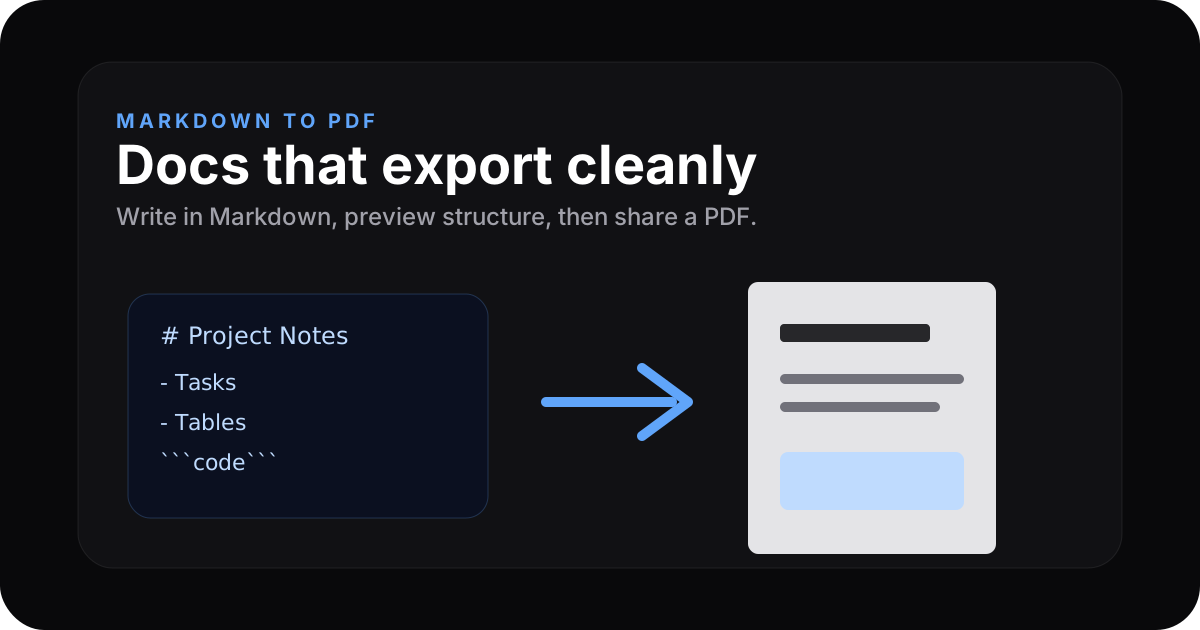
Write Markdown, preview docs, and export to PDF online. Learn formatting, tables, code blocks, page breaks, and private browser-based workflows.
Markdown is fast to write and easy to diff. PDF is what many stakeholders still want in their inbox. Bridging the two without sending your draft to a random server is a nice workflow win.
Why Markdown → PDF?
- Client deliverables — polished export from notes.
- Internal docs — README → shareable PDF.
- Education — keep source in Git, publish PDF snapshots.
How ZeroKit helps
Use the Markdown editor for authoring with live preview, then the HTML / Markdown to PDF flow to rasterise/print to PDF in the browser depending on the implementation. (Exact buttons vary — look for Export / PDF in-tool.)
Start writing → Markdown Editor · HTML/Markdown to PDF
GFM features you likely rely on
| Feature | Supported in typical GFM pipelines |
|---|---|
Headings #–###### | Yes |
| Bold / italic | Yes |
| Fenced code + language | Yes |
| Tables | Yes |
| Task lists | Often yes |
| Blockquotes | Yes |
Markdown to PDF checklist
- Use one
#title and clean heading levels. - Keep tables narrow enough for PDF pages.
- Add code fences with language names for readability.
- Use horizontal rules to separate major sections.
- Preview before exporting so page breaks look intentional.
FAQ
Styling
Default export styling aims for readable print margins and type. Advanced custom CSS may be a roadmap/pro feature.
Page breaks
Large headings should avoid awkward splits where the engine supports print CSS; add horizontal rules (---) where you want hard breaks when supported.