JWT Tokens Explained — Header, Payload, Signature
2 min readZeroKit Team
Decode JWT tokens safely and understand headers, claims, expiry, signatures, HS256 vs RS256, and why JWT payloads are not encrypted.
JSON Web Tokens (JWTs) show up in OAuth, API gateways, and mobile sessions. They look like three dotted segments of gibberish — but each segment has a meaning.
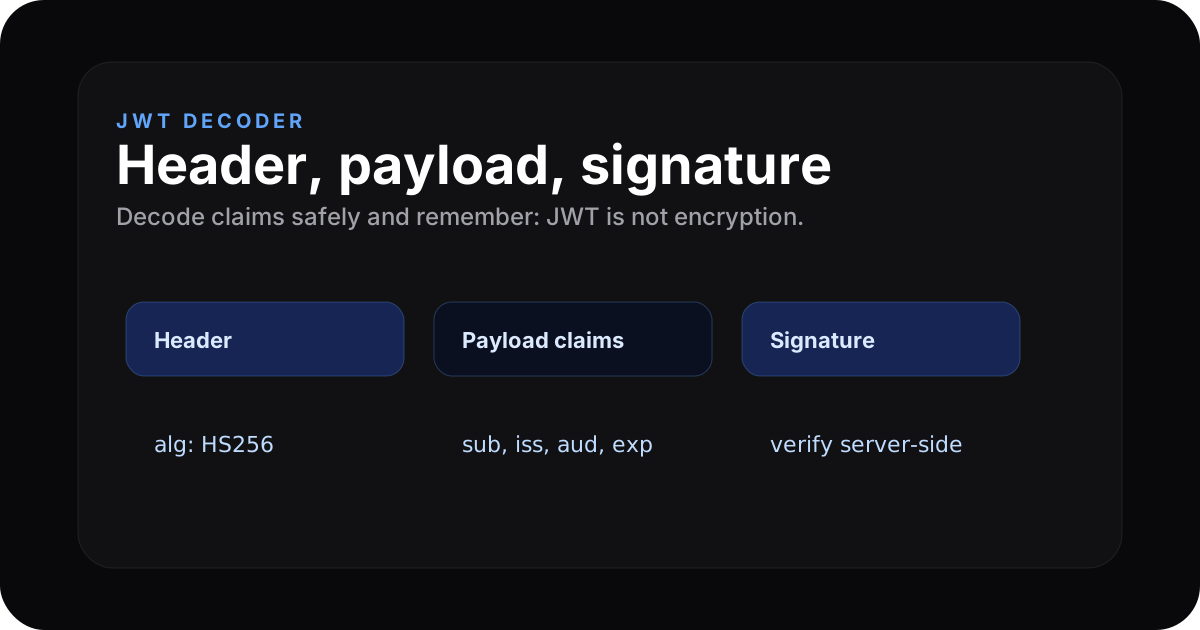
Anatomy of a JWT
xxxxx.yyyyy.zzzzz
|    |     |
|    |     \-- signature (verify tampering)
|    \-------- payload (claims)
\------------- header (alg, typ)
Each of the first two parts is Base64url JSON. The signature proves integrity if you have the right verification key — but it does not hide the payload.
Decode now → ZeroKit JWT decoder
Header
Typically includes the signing algorithm (alg) and type (JWT). Example shape:
{ "alg": "HS256", "typ": "JWT" }
Payload (claims)
Standard-ish fields you will see:
| Claim | Meaning |
|---|---|
sub | Subject (user id) |
iat | Issued-at (Unix time) |
exp | Expiry (Unix time) |
iss | Issuer |
aud | Audience |
Signature
Combines header + payload with a secret (HS256) or private key (RS256) to produce a MAC/signature verifiers can check.
JWT is not encryption
Anyone can Base64url-decode the header and payload. Never put plaintext secrets, card numbers, or passwords in JWT claims.
Safe JWT inspection workflow
- Decode only the header and payload when you need to inspect claims.
- Check
exp,iss,aud, andsub. - Never paste active production tokens into unknown upload-based sites.
- Use your auth provider or backend to verify signatures.
- Rotate tokens if they were exposed in logs, chat, or screenshots.
HS256 vs RS256 (short)
| Alg | Style | Typical use |
|---|---|---|
| HS256 | Symmetric secret | Single service, shared key |
| RS256 | Asymmetric keypair | Public verifiers, private signer |
FAQ
Can ZeroKit verify signatures?
Decoding is local; full verification requires your issuer's secret or public key — only your auth service should verify in production.
Is it safe to paste prod tokens?
Safer in-browser tools than upload sites. Still minimise sharing live session tokens and rotate if leaked.