How to Format JSON Online for Free (2026 Guide)
3 min readZeroKit Team
Use a free JSON formatter online to format, validate, minify, and fix JSON in your browser. No signup, no upload, with error hints and related JSON tools.
If you've ever stared at a wall of minified JSON and thought “I can't read any of this,” you're not alone. Whether you're debugging an API response, reading a config file, or inspecting a webhook payload, unformatted JSON is practically unreadable. You need a formatter — but many online formatters have a dirty secret.
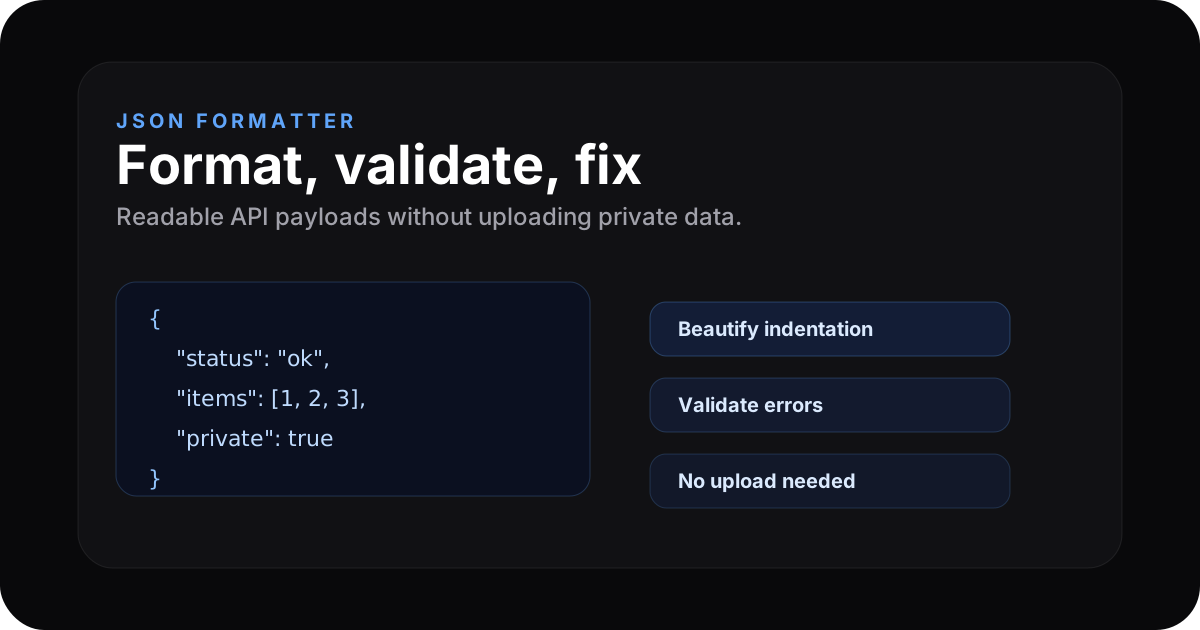
The problem with most JSON formatters
When you paste JSON into some popular sites, that data gets sent to their server. Your API keys, user data, authentication tokens — all of it can leave your browser and land on someone else's machine. That is a serious risk for production data.
The privacy-first alternative
ZeroKit's JSON formatter works entirely in your browser. When you paste JSON, formatting happens in JavaScript on your device. There is no server round-trip for the formatting step.
You can verify this yourself: open Developer Tools → Network, clear the log, paste JSON, and click Format. You should see no new requests tied to your payload.
Try it now → Open ZeroKit JSON Formatter — paste any JSON and see it formatted instantly.
What ZeroKit's JSON formatter does
- Format / beautify — Readable indentation (2-space default).
- Minify — Strip whitespace for compact payloads.
- Validate JSON — Invalid documents surface errors with context you can act on.
- Fix common issues — Trailing commas, single quotes, and other foot-guns in one click where supported.
- Tree view — Collapsible structure for large documents when you enable it in the tool.
- Copy & download — One-click copy or save as
.json.
How to use it (3 steps)
Step 1: Paste your JSON
Copy JSON from any source — API response, config file, database export, webhook log — and paste it into the input editor.
Step 2: Format
Use Format (or work in the tool's live workflow). Your JSON is beautified with consistent indentation.
Step 3: Copy or download
Copy sends output to the clipboard; Download saves a .json file locally.
Common JSON errors and how to fix them
| Error | Typical cause | What to do |
|---|---|---|
| Unexpected token | Trailing comma after last property | Remove the comma or use Fix if available |
| Expected double-quoted property | Single quotes used | Use " or run the fixer |
| Unexpected end of JSON | Missing } or ] | Balance brackets from the inside out |
| Unterminated string | Missing closing " | Search for the opening quote and close the string |
JSON formatter vs alternatives
| Tool | Client-side? | Auto-fix? | Tree view? | Free? |
|---|---|---|---|---|
| ZeroKit | Yes | Yes | Yes | Yes |
| Many “paste & format” sites | Often no | Varies | Often yes | Often ads |
Related tools you might need
Best JSON formatter keywords this guide covers
People usually search for JSON formatter online, JSON validator, JSON beautifier, JSON minifier, fix JSON online, and format JSON no upload. The safest workflow is simple: paste JSON, format locally, validate errors, copy or download, and avoid uploading sensitive API payloads unless you trust the service.
FAQ
Is my data safe?
For the JSON formatter, processing is designed to stay in your browser. Confirm with the Network tab: formatting should not upload your document.
What's the maximum JSON size?
Very large payloads (multi‑MB) can feel slower because your device does all parsing. Start smaller if the tab feels sluggish.
Can I format JSON with comments?
Strict JSON does not allow // or /* */ comments. Stripping comments produces valid JSON if the rest of the structure is sound.
Do I need an account?
No. ZeroKit's tools work without signup.