Cron Expressions — The Complete Guide with Visual Builder
2 min readZeroKit Team
Learn cron syntax, build cron expressions visually, preview next run times, and avoid timezone mistakes across GitHub Actions, Vercel, and cloud jobs.
Cron schedules power backups, queues, billing jobs, and cleaner scripts. The classic five-field Unix cron string looks cryptic until you learn the map.
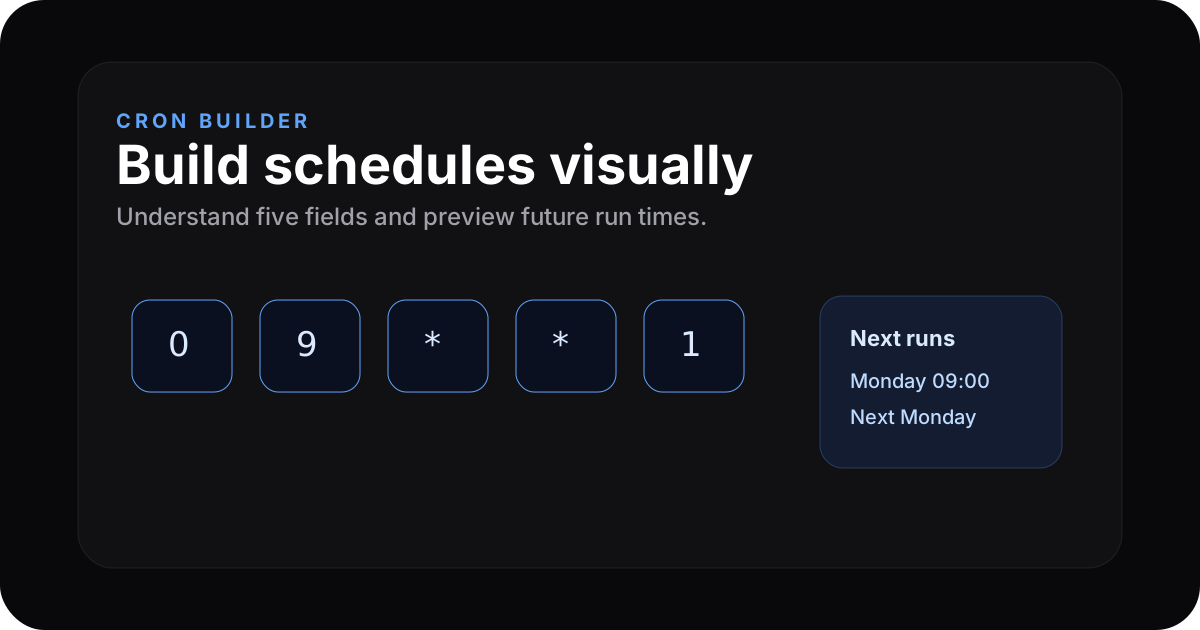
The five fields
* * * * *
| | | | └ day of week (0–7, 0/7 = Sunday on many systems)
| | | └── month (1–12)
| | └── day of month (1–31)
| └── hour (0–23)
└──── minute (0–59)
Special characters
| Char | Meaning | Example |
|---|---|---|
* | every value | * * * * * every minute |
, | list | 0 8,12,18 * * * |
- | range | 0 9-17 * * * hourly during work hours |
/ | step | */15 * * * * every 15 minutes |
Patterns you will copy-paste
| Schedule | Expression |
|---|---|
| Hourly at :00 | 0 * * * * |
| Daily midnight | 0 0 * * * |
| Weekdays 08:30 | 30 8 * * 1-5 |
| Every 6 hours | 0 */6 * * * |
Build visually → ZeroKit Cron Builder previews next run times in plain language.
Platforms differ slightly
| Platform | Gotcha |
|---|---|
| GitHub Actions | UTC only in schedule |
| Vercel crons | UTC, declarative in config |
| Some AWS rules | may use six fields (seconds) |
Cron expressions people search for
| Need | Cron expression |
|---|---|
| Every 5 minutes | */5 * * * * |
| Every day at 9 AM | 0 9 * * * |
| Every Monday morning | 0 9 * * 1 |
| First day of every month | 0 0 1 * * |
| Weekdays at 6 PM | 0 18 * * 1-5 |
FAQ
Timezone?
Assume UTC on most cloud schedulers unless the product documents otherwise.
Sub-minute?
Classic cron's smallest step is one minute. Sub-minute needs another system.