Base64 Encoding Explained — What It Is and When to Use It
2 min readZeroKit Team
Understand Base64 encoding, Base64url, JWT payloads, data URLs, file encoding, and why Base64 is not encryption. Includes examples and FAQ.
You've probably seen Base64 before — long strings like SGVsbG8gV29ybGQ=. What is Base64, why does it exist, and when should you use it?
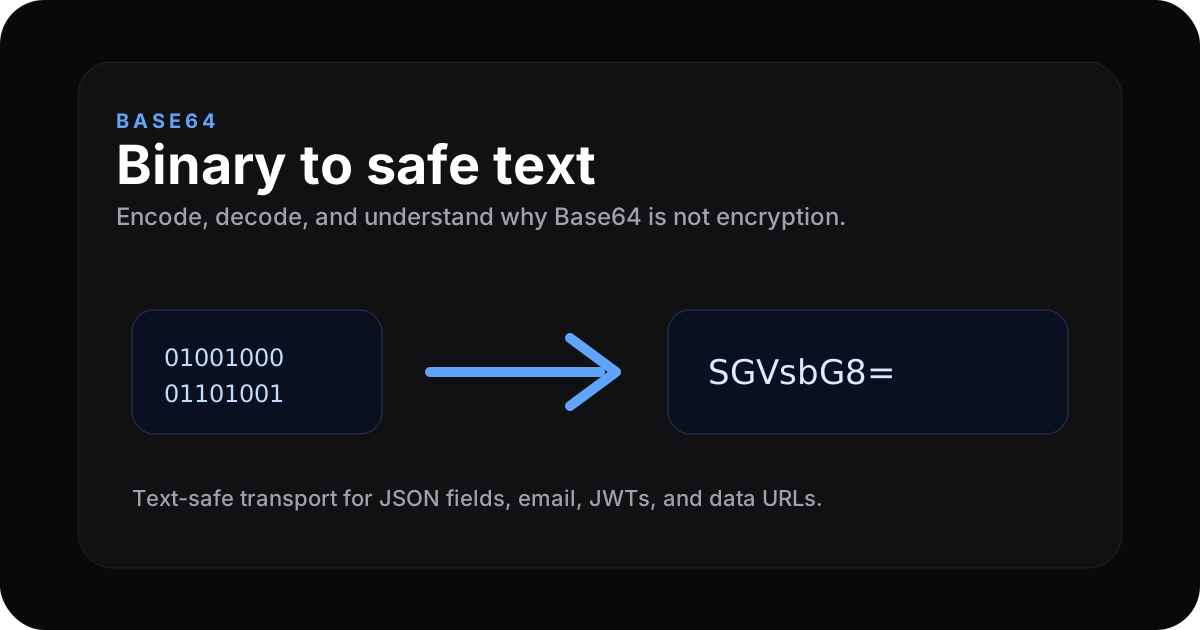
What is Base64?
Base64 represents binary data using only text-safe characters: A–Z, a–z, 0–9, +, /, with = padding. The name comes from the 64 symbols in the alphabet.
Why does Base64 exist?
Many systems only safely carry text. SMTP, JSON fields, XML attributes, and URLs were not built for raw binary. If you embed binary naively, you risk corruption or parser failures.
Base64 converts arbitrary bytes into an ASCII-safe string you can embed in text protocols.
Common uses
- Data URIs —
<img src="data:image/png;base64,..."> - Email — attachments are encoded for SMTP transport
- JWT — header and payload segments are Base64url JSON
- APIs — binary blobs inside JSON often arrive Base64-encoded
- Legacy HTTP Basic —
username:passwordencoded (this is not security)
Try it now → ZeroKit Base64 encoder/decoder
How it works (simplified)
Every 3 bytes of input become 4 Base64 characters (24 bits → four 6-bit chunks). Non-multiples-of-3 input gets padding with =.
Base64 is NOT encryption
Anyone can decode standard Base64. Do not use it to hide secrets. For confidentiality, use real encryption; for integrity or fingerprints, use hashing.
ZeroKit also offers a hash generator and paste with optional stronger workflows for sensitive material.
Base64 vs Base64url
| Feature | Base64 | Base64url |
|---|---|---|
| 62–63 chars | + / | - _ |
| URL-safe | needs escaping | yes |
| Common in | email, data URIs | JWT, query params |
Common Base64 searches
| Search intent | What you probably need |
|---|---|
| Base64 encode online | Convert text or small files into Base64 |
| Base64 decode online | Convert Base64 back into readable text |
| Base64 image converter | Turn an image into a data URL or decode one |
| Base64url decoder | Decode JWT-safe Base64 strings |
| Is Base64 encrypted? | No — it is encoding, not security |
FAQ
Does Base64 increase size?
Yes — roughly 33% larger than raw bytes. That is the price of text safety.
Should I inline large images as Base64?
Only for tiny assets (icons). Large inlines hurt caching and page weight.